
Target practice
Set tables and operations for the class, create practice groups or give an individual pupil a different focus.
Use the existing Times Quest Teacher dashboard to set targeted practice and turn pupil responses into clear next steps.
Set tables and operations for the class, create practice groups or give an individual pupil a different focus.
See fluent assigned facts as a count and percentage, so pupils are assessed only against what they are currently expected to learn.
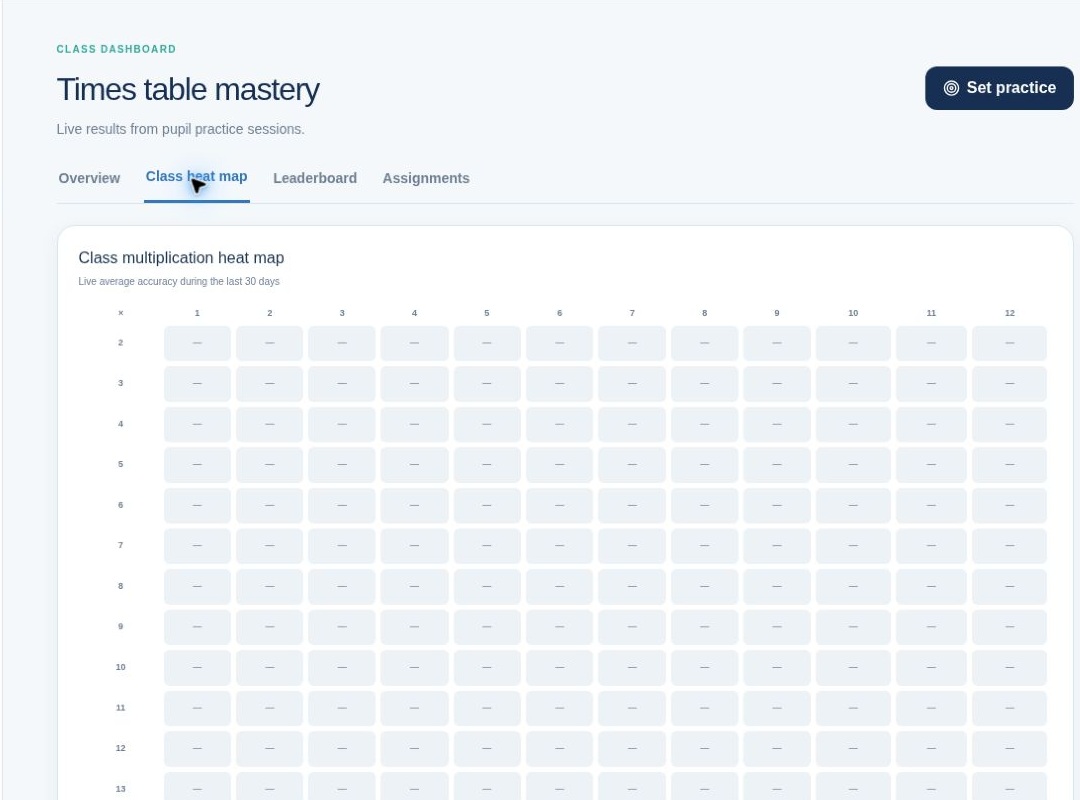
Use class heat maps, fact-level evidence and facts needing attention to identify where practice or teaching is needed.
See recent activity, saved sessions, questions answered and pupil participation without turning progress into a simple usage score.
Use private Facts Fluent, Quests Completed and Accuracy Improvement leaderboards, while pupils see only a positive Top 3.
Create pupil accounts in bulk, print login cards, move pupils and preserve their existing progress.
The Class plan supports one teacher, one class and up to 35 pupils. It includes the core Times Quest practice and analytics experience rather than a reduced teaching product.