
1. Assign
A teacher chooses tables, multiplication or multiplication and division, session length and adaptive practice for a class, group or individual pupil.
Times Quest connects pupil practice with the information teachers need to decide what happens next.
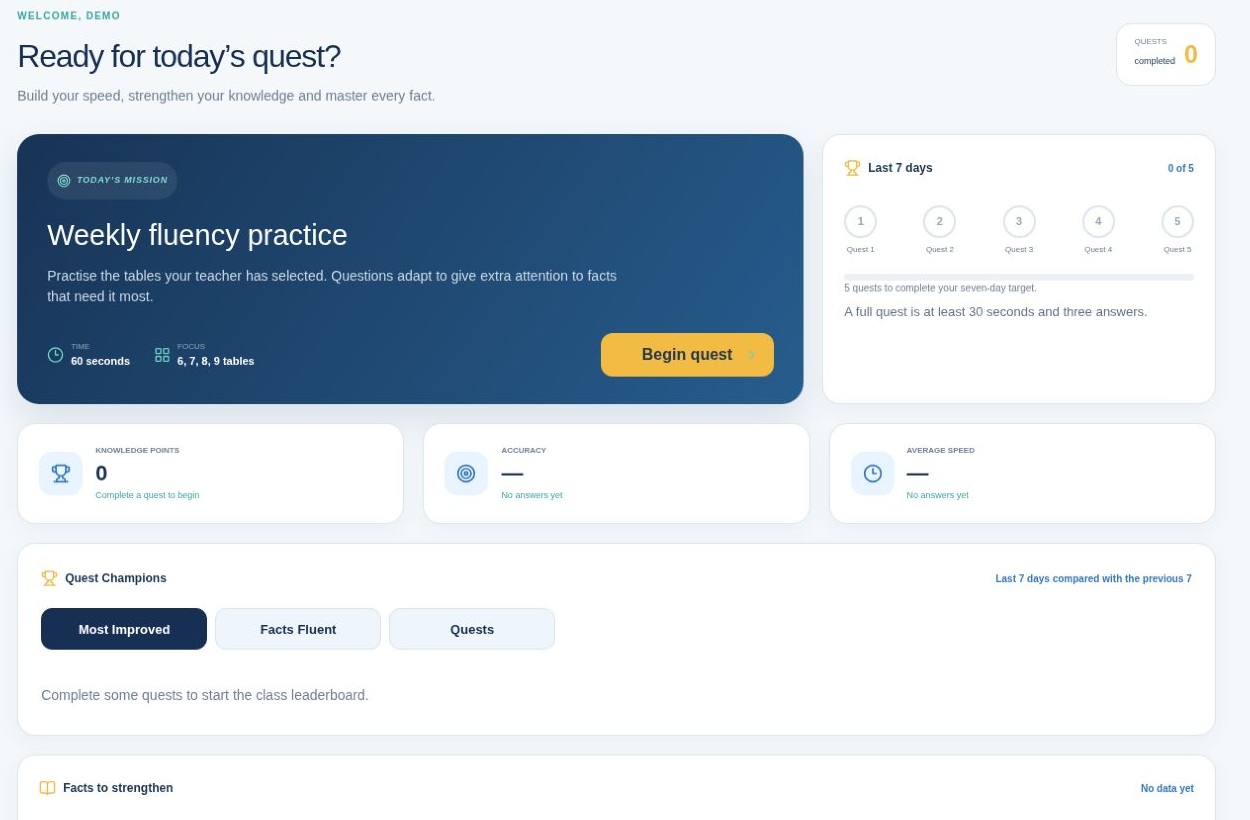
A teacher chooses tables, multiplication or multiplication and division, session length and adaptive practice for a class, group or individual pupil.
Pupils use their simple class code, username and picture passphrase, then complete short Times Quest practice sessions.
The existing adaptive engine gives extra attention to facts answered incorrectly or too slowly while keeping pupils within their assigned scope.
Answers, response time, sessions, fluent facts and effective practice settings are recorded securely inside the pupil’s organisation.
Teachers see assigned-learning progress, heat maps, usage, fluent facts and specific facts that need attention.
Teachers can adjust class practice, create targeted groups or personalise one pupil’s settings without resetting progress.
A multiplication fact family is fluent when the pupil’s latest three answers for the required operation are correct and answered within five seconds. When division is assigned, the related multiplication and division evidence are both required. Times Quest keeps this definition consistent across progress and leaderboard features.
Yes. Teachers can assign multiplication only or multiplication with related division. Division is never added to a pupil’s learning scope unless it is part of their effective practice setting.